
Get Side Whisperfor Windows.
Side Whisper is free and needs no account. Install it from the Microsoft Store and set up your rail in a few minutes.
The Microsoft Store listing isn’t published yet. This button opens it as soon as it is.
What your PC needs.
Side Whisper runs on 64-bit Windows 10 and Windows 11.
| Windows | Windows 10 version 1809 or later, or Windows 11 |
|---|---|
| Processor | 64-bit (x64)ARM64 PCs are not supported. |
| Storage and memory | Room for the app, plus 75 MB to 3.1 GB for each voice model you downloadSettings show each model’s size and recommended memory before you download it, from 4 GB for Tiny and Moonshine to 16 GB for Large. |
| Internet | Needed for your web apps, voice model downloads and signing inSide Whisper itself works offline. |
| Account | Not needed for FreeSign in only for the 14-day Pro trial or for Pro, on up to 3 PCs. |
| Not available | macOS, Linux, ARM64 Windows, mobile apps and browser extensions |
02 — AFTER YOU INSTALL
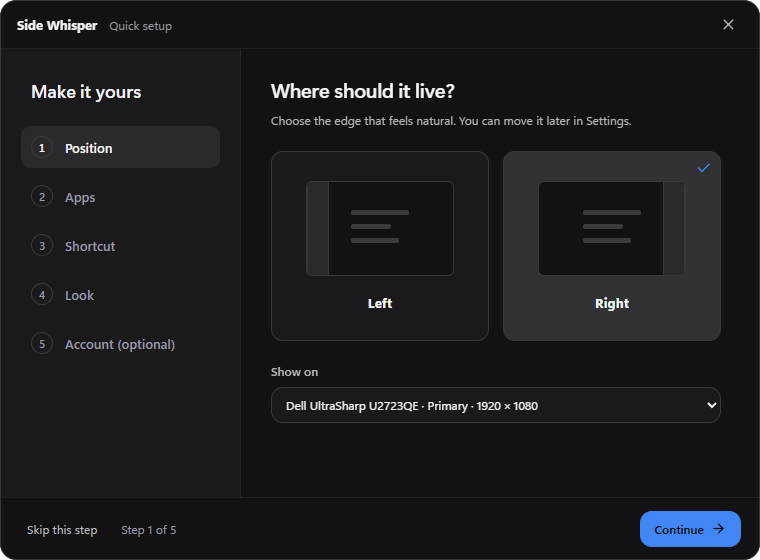
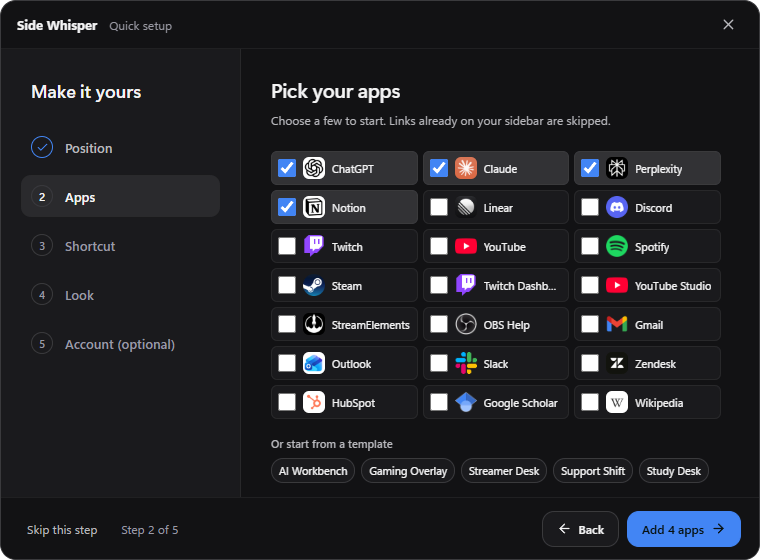
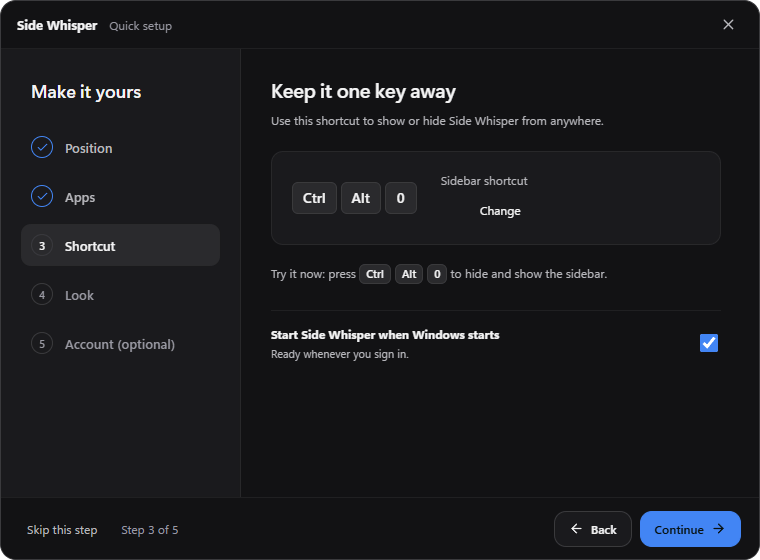
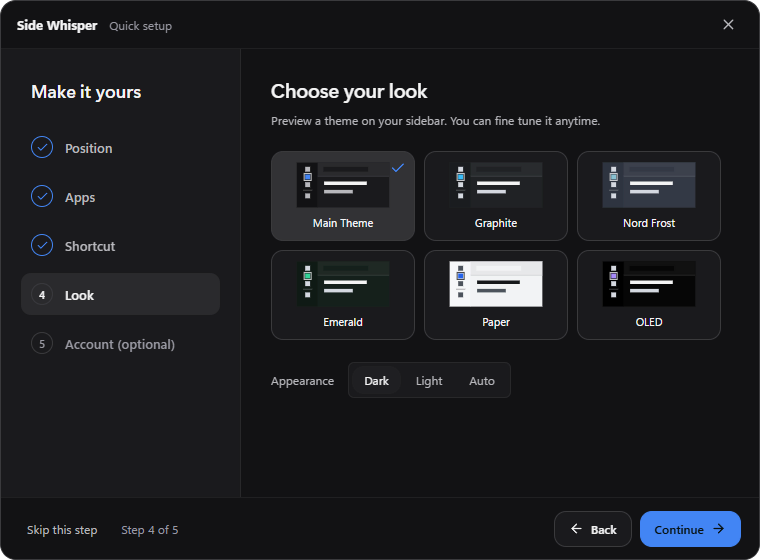
Install. Set it up. Start.
The first run takes a few minutes and you can change every choice later in Settings.
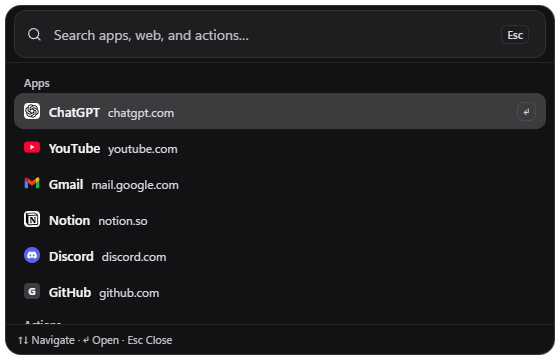
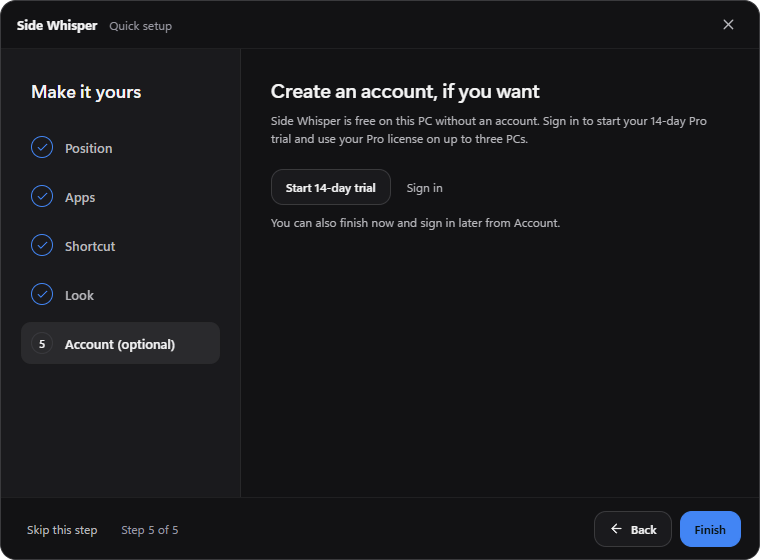
Before you download.
More in the install and update guide.
Which versions of Windows are supported?
Windows 10 version 1809 or later and Windows 11, on 64-bit (x64) PCs. ARM64 Windows is not supported.
Do I need an account to use it?
No. Free works without an account, offline too. You only sign in for the 14-day Pro trial or for Pro, with a six-digit email code.
How do updates work?
The Microsoft Store installs updates for you, for Free and Pro alike. The changelog says what changed in each one.
Is there a version for Mac, Linux or phones?
No. Side Whisper is for Windows only, and there is no mobile app or browser extension.

READY WHEN YOU ARE
Give your tools
a quieter home.
- Free, no time limit
- No account needed
- Windows 10 and 11